Optimizing Home Experience - A Cloud Native Approach to Photo Management
As a backend infrastructure engineer, I view everyday inconveniences through the lens of distributed systems. The fragmentation of digital assets—specifically personal photos—across multiple devices is essentially a data consistency and availability problem.
I love personalized experiences and solving real problems. Recently, I decided to apply the same principles I use for building event-driven architectures and microservices to optimize my home experience.
The Problem: Data Silos and Manual Toil #
In a multi-device household (Android phones, laptops, external hard drives), photos become siloed.
- Synchronization Toil: Manually copying files is prone to human error. It's difficult to track what has been backed up and what remains local.
- Resource Inefficiency: Duplication across devices wastes storage.
- Availability Gap: I wanted "read-after-write" consistency—or close to it—available on any device, specifically my home TV, immediately after capturing a moment.
- Privacy & Control: The solution needed to operate strictly within my home network, ensuring data sovereignty.
The Solution: A Self-Hosted Kubernetes Cluster #
Rather than relying on public cloud SaaS providers which trade privacy for convenience, I built a private cloud.
Infrastructure Layer #
I provisioned a desktop to serve as my node, running k3s, a lightweight Kubernetes distribution. This allows me to manage my home infrastructure with the same declarative GitOps workflows I use professionally.
Special thanks to Improwised and Rakshit Menpara for providing the hardware to make this lab possible.
Application Layer #
After researching communities like r/homelab and r/selfhosted, I architected a solution using two distinct open-source applications:
- NextCloud: For reliable ingestion and storage.
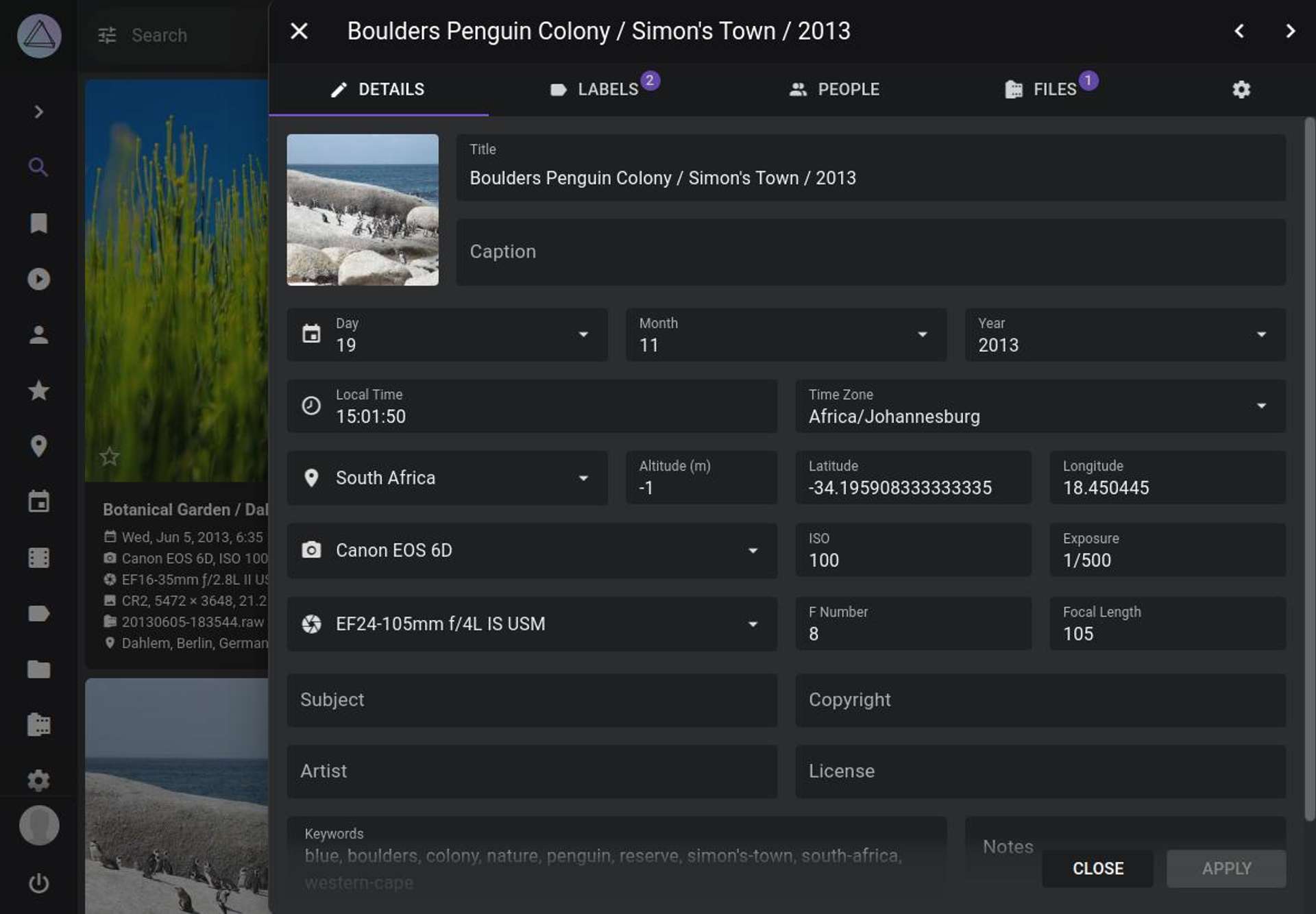
- Photoprism: For intelligent cataloging and presentation.
Architectural Decision: Decoupling Ingestion from Presentation #
You might ask, "Why use two apps when NextCloud has a gallery plugin?"
This is a classic Separation of Concerns decision.
- NextCloud excels at file synchronization (WebDAV). It acts as the ingestion layer, handling the raw upload stream from mobile devices reliably.
- Photoprism is a specialized tool for indexing and viewing. It offers advanced metadata management, facial recognition, and a superior UI, including an Android TV application.
By decoupling these concerns, I also built in a layer of redundancy. NextCloud manages the files on the filesystem. Photoprism mounts that same filesystem read-only (or effectively distinct) for indexing. If the Photoprism database corrupts, my raw files in NextCloud remain untouched. It acts as an inherent backup strategy.
Benefits Realized #
1. Automated Consistency (Auto Sync) #
The days of manual cable connections are over. Background workers on our mobile devices ensure that every photo is replicated to the central k3s cluster automatically.
2. High Availability #
Memories are now available on demand. Whether on a tablet, a laptop, or the living room TV, the "read" API is always available via Photoprism's interface.
3. Disaster Recovery #
Eliminating single points of failure (like a lost phone) ensures that memories are preserved. The centralized storage can itself be backed up to cold storage, adhering to the 3-2-1 backup rule.
4. Zero-Trust Networking #
By keeping traffic local to the home WiFi, I maintain complete control over access logs and security policies, without exposing sensitive personal data to the public internet.
Conclusion #
Building this homelab was more than just a hobby project; it was an exercise in applying enterprise infrastructure patterns to improve quality of life. We now have a robust, private, and automated system that "just works," freeing up weekends previously spent on digital housekeeping.
🙏🙏🙏
Since you've made it this far, sharing this article on your favorite social media network would be highly appreciated 💖! For feedback, please ping me on Twitter.
Published